


Introducing AI Product Backgrounds for E-Commerce with Pixboost Published on: Jul 22, 2026

Generative AI has exploded in popularity over recent years, finding its way into almost every aspect of our digital lives. Here at Pixboost, we’ve been watching the trend closely, experimenting with how Large Language Models (LLMs) and Image Generation models can be practically applied to an Image CDN.
Today, we are excited to walk you through the first GenAI API feature we are launching. We’d love to hear your feedback and thoughts as we refine this technology.
TL;DR
You can now modify the background of your product images using AI in two ways:
Add a
backgroundquery parameter to your image transformation request.Use the separate prompt-generation API to generate background ideas for a source image before applying them.
The Offer: Every customer gets 100 AI credits (100 unique prompts) per month for free during the Beta.
GenAI and Image CDN: Finding the Balance
Running and hosting Generative AI models is computationally expensive. However, the results they produce are incredibly powerful. Our main consideration during development was finding the “sweet spot”—how do we make this technology accessible and affordable while delivering high-quality results?
Image models function differently than text-based LLMs; processing pixels at scale requires heavy infrastructure. By integrating GenAI directly into the Pixboost Image CDN, we eliminate the need for you to build custom image pipelines or reinvent complex workflows from scratch.
You don’t have to worry about managing GPU clusters, setting up edge caching, or fine-tuning delivery performance—we handle all the heavy lifting behind the scenes. It gives you enterprise-grade AI image manipulation directly inside your existing URL-based workflow, cutting out a massive amount of technical hassle.
How GenAI Helps E-Commerce
Why should an e-commerce store care about AI-generated backgrounds?
- Contextual Selling: A plain white background is great for a catalogue, but it doesn’t create an emotional connection. AI allows you to place a hiking boot on a “rocky mountain trail” or a coffee mug on a “cozy wooden table,” helping customers visualize the product in their lives.
- Cost Efficiency: Running a photoshoot for every product in different settings is time-consuming and expensive. GenAI creates these settings virtually for a fraction of the cost.
- A/B Testing: You can test different backgrounds to see which converts better. Does your summer dress sell better against a “beach background” or a “garden party background”? You can now find out without a reshoot.
- Seasonal Agility: Instantly update your store for holidays. Turn a standard product image into a Christmas or Halloween-themed asset simply by changing the query string.
Feature: Background In-Painting Using Pixboost API
In e-commerce, product images usually have plain backgrounds. This works best when visitors want to inspect fine product details. However, plain backgrounds don’t always do the best job of showcasing the product in context.
We created an API that allows you to generate any background you want for your product images instantly. It’s incredibly simple: all you need to do is add the background query parameter to your image URLs.
If you want help coming up with prompts, we also added a separate prompt-generation endpoint. It analyzes the source image and returns a set of background ideas you can use directly in your transformation request.
Getting Started: How to Use the GenAI API
Whether you are a long-time Pixboost user or just joining us today, we’ve made the integration as simple as appending a query parameter.
For New Users
If you don’t have a Pixboost account yet, follow these quick steps:
- Sign Up: Create a free account at Pixboost.com.
- Configure Your Source: Add your image domain or cloud storage (like S3) in the dashboard so Pixboost knows where to find your original photos.
- Get Your API Key: You’ll find your auth key in the dashboard—you’ll need this for image request URLs.
- Create an API Secret: Generate an API secret and store it securely. You’ll use this secret to generate and encode prompts.
Generating Prompts Automatically
Prompt engineering is a skill in itself—crafting the exact phrasing to get consistent, high-quality AI outputs can be tricky and time-consuming. To save you from endless trial and error, we built a prompt-generation API that analyzes your product photo and automatically suggests production-ready background ideas.
However, if you already have a specific concept in mind, you aren’t limited to automated suggestions. You can pass your own custom idea using the theme parameter, and the API will refine and encode it into a ready-to-use prompt for you.
The endpoint is:
/img/{imgUrl}/prompt/background?theme=[OPTIONAL_THEME]&auth=[API_SECRET]
Use your API secret (not your API key) in the prompt generation API. Secrets should be stored securely and never exposed client-side.

It returns a JSON array of background prompt suggestions. If you provide a custom input in the theme parameter, the first result in the returned array will be your own prompt, optimized and encoded.
You can then take any of these encoded prompts and pass it to the image transformation API through the background query parameter.
Generating Backgrounds for Product Images
To use the prompt prepared in the previous step, simply append the background parameter to your existing API calls.
The API follows a standard pattern. Take your existing transformation URL and add the background prompt at the end:
https://pixboost.com/api/2/img/[IMAGE_URL]/optimise?auth=[YOUR_KEY]&background=[ENCODED_PROMPT]
See It in Action
Below are examples of raw product photos transformed by the Pixboost API.
Sunglasses
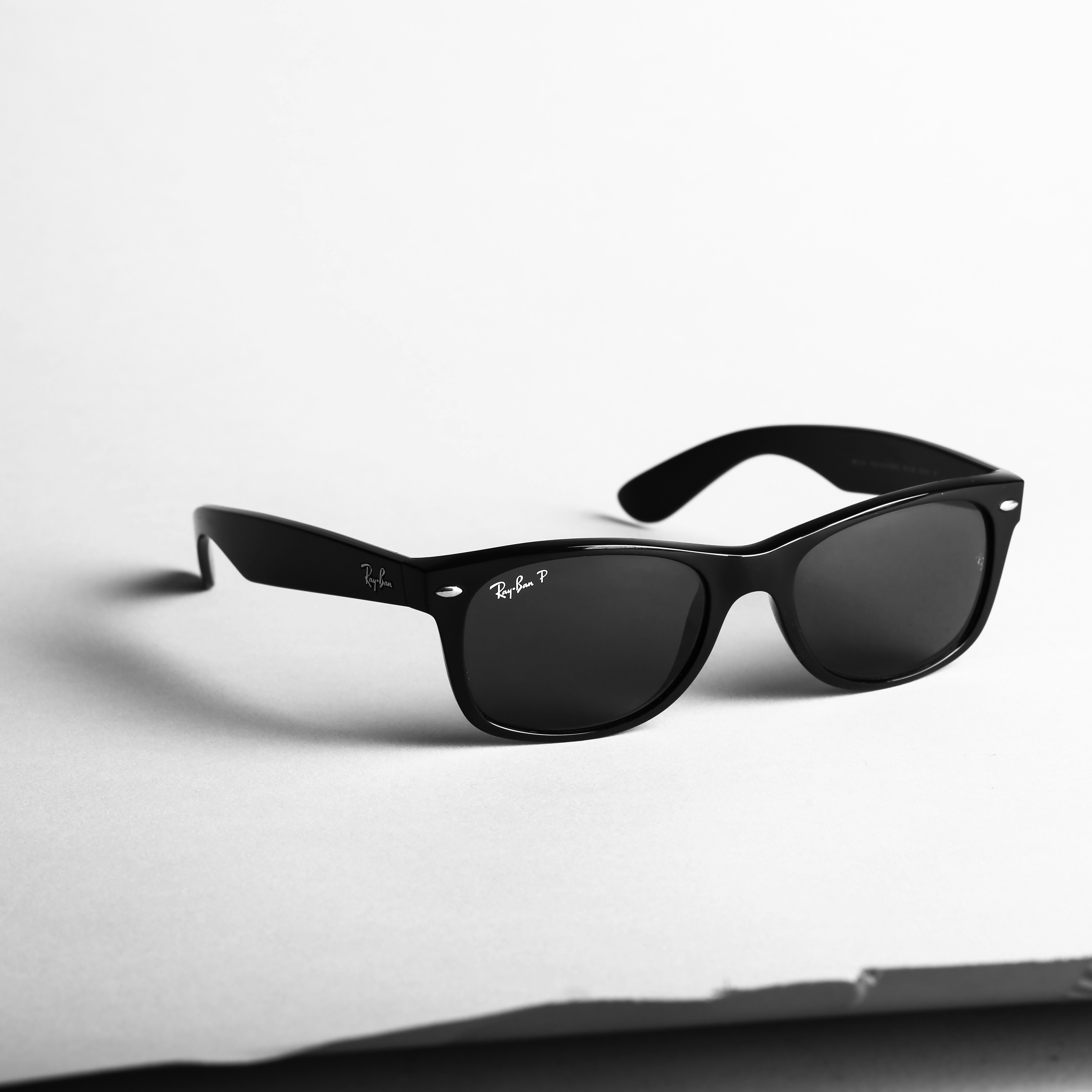
Photo by Giorgio Trovato on Unsplash
Prompt: On a luxury leather car dashboard, warm sunset light through windshield, blurred highway in background, cinematic depth of field.

Polaroid Camera
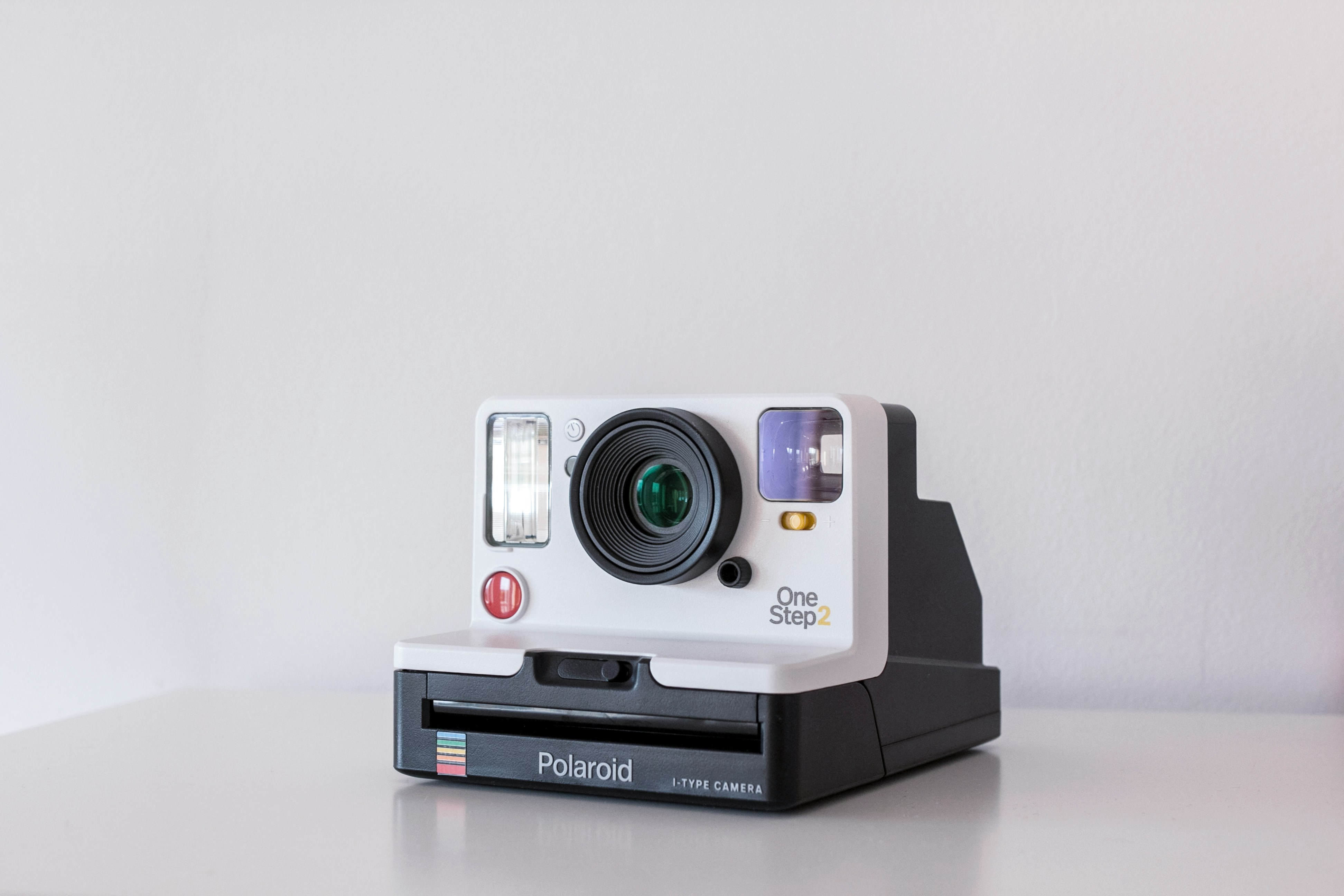
Photo by eniko kis on Unsplash
Prompt: Resting on a rustic oak coffee table next to scattered vintage photos. Warm, diffused window sunlight, cozy living room setting, shallow depth of field, soft-focus background.

Running Shoes
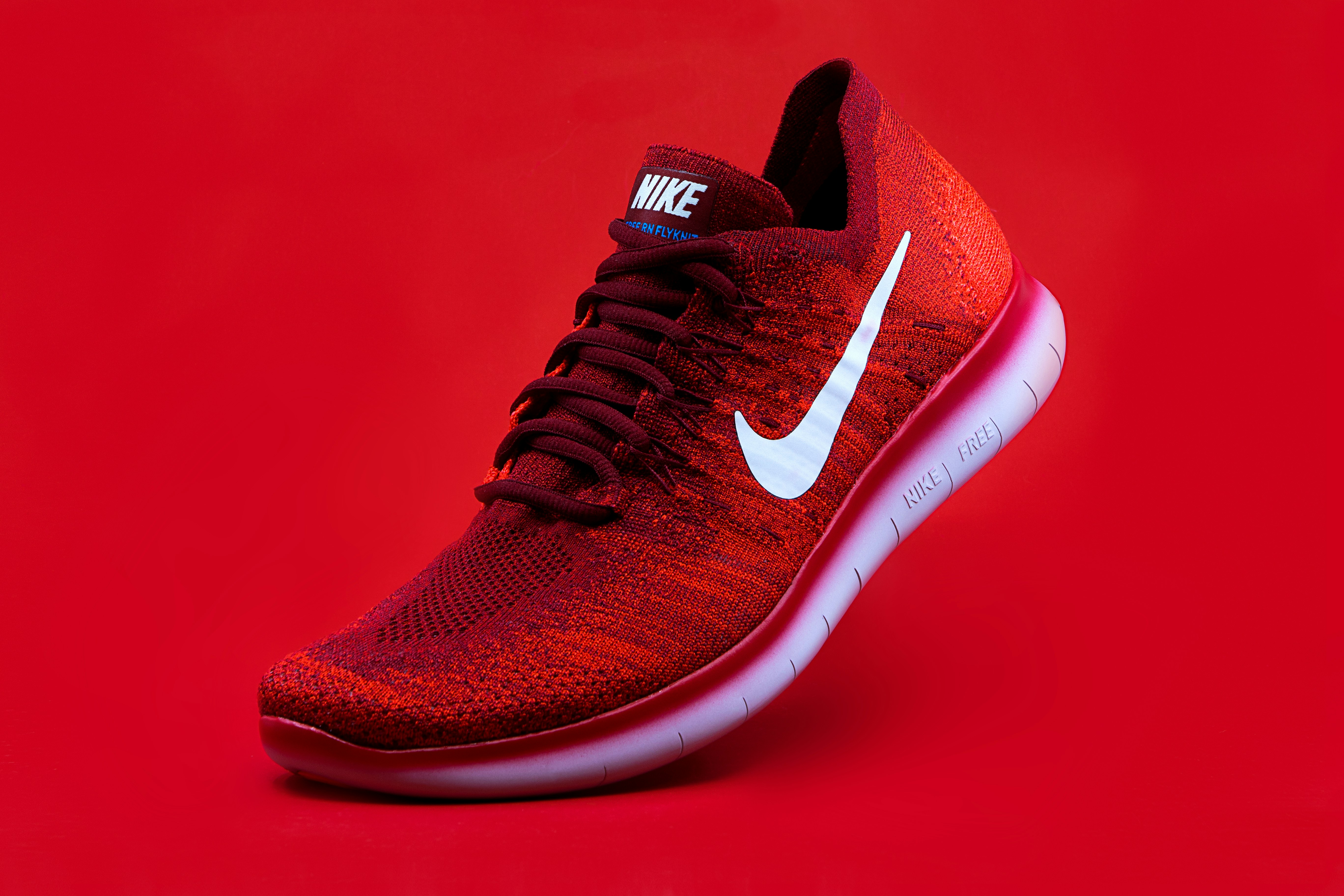
Photo by Domino Studio on Unsplash
Prompt: Placed on a grey asphalt city street marked with marathon lines. In the background, a colorful, out-of-focus finish-line banner and cheering crowd bokeh are illuminated by warm golden morning light. Professional sports photography style.

Prompting Manually
You can also create a prompt manually by passing your prompt text into the theme query parameter. The first result returned in the API response will contain your prompt alongside its encoded version.
Below are some tips for writing effective custom prompts.
How to Prompt Effectively
To get the best results, treat the prompt as a description of the scene you want to build around your product.
- Recommended: Plainly describe the scene and the atmosphere.
- Example: “A marble kitchen counter with morning sunlight.”
- Not Recommended: Avoid instructive language or explicit negative constraints.
- Avoid: “Make the background a kitchen” or “Don’t show any people.”
Prompting Framework
When writing your prompt text, consider defining these four key elements:
- Surface/Background: (e.g., a wooden table, a rocky cliff, a silk sheet)
- Lighting: (e.g., soft cinematic lighting, bright noon sun, neon lights)
- Perspective: (e.g., macro shot, eye-level, wide angle)
- Mood: (e.g., cozy, industrial, luxury)
Example (Perfume Bottle):
- Weak Prompt: “Flowers.”
- Strong Prompt: “Standing on a glass podium, surrounded by pink cherry blossoms, soft pastel bokeh background, high-end product photography.”
Pricing
During the Beta period, this feature is completely free to use for up to 100 unique prompts per month.
You can safely use generated prompts in production—background transformations are cached automatically, meaning subsequent image downloads won’t count toward your monthly 100-prompt quota.
Conclusion
Integrating GenAI capabilities into an Image CDN bridges the gap between high-performance image delivery and creative content generation. With our new background in-painting tool and prompt-generation API, finding and rendering the perfect product background is faster than ever.
Give the background parameter a try today, and let us know what you think! Have feedback or feature requests? Head over to your dashboard or drop us a line.